Why this example post exists
This article is a hands-on demo for editors who want to build richer posts without touching component code. It shows the exact content patterns you can copy into future articles.
Featured image setup (frontmatter)
The featured image is declared in frontmatter and is used in three places automatically:
- blog listing card
- post hero area
- social sharing fallback image
Use a clear featuredImageAlt value so previews stay accessible and descriptive.
Inline image example with markdown syntax
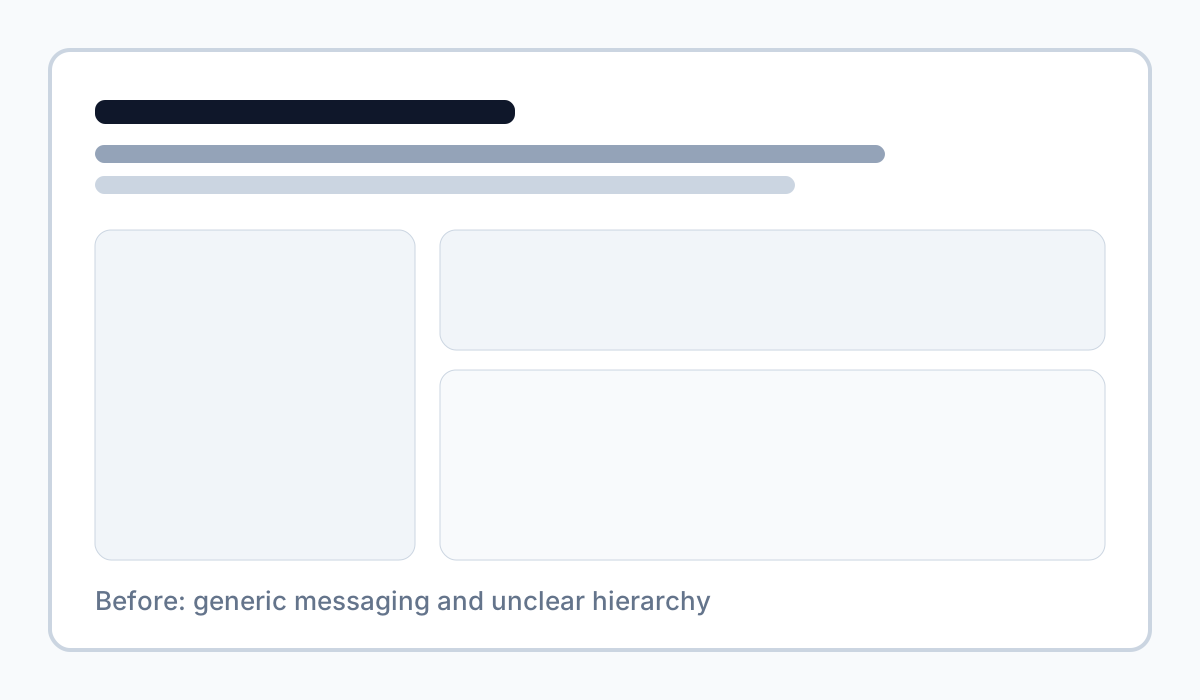
The markdown image syntax is fastest for simple visuals placed inside your article flow.
Inline image example with figure and caption
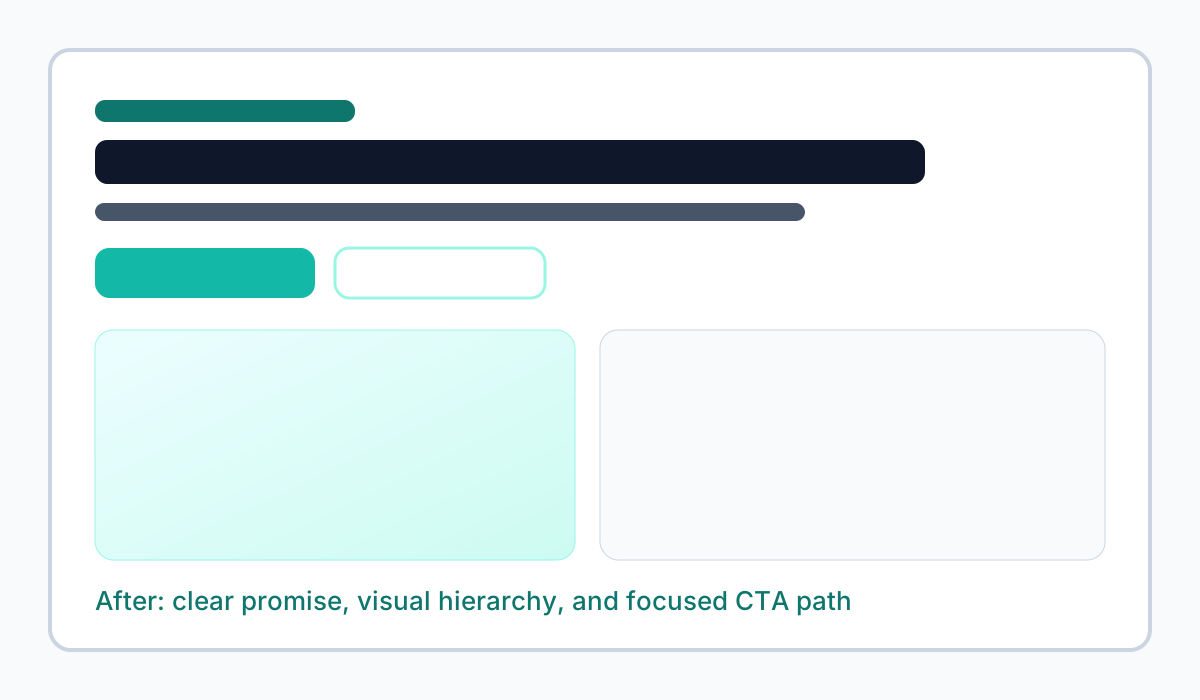
Example caption: Improved section hierarchy after applying StoryBrand principles.
Use <figure> when the visual needs context, attribution, or explanation.
Embedded video example (YouTube iframe)
For broad compatibility, an iframe is still the most common and reliable embed method. Current best practice is to combine it with:
- privacy-enhanced URL (
youtube-nocookie.com) - lazy loading
- responsive
aspect-videowrapper - clear
titlefor accessibility
<div class="my-8 aspect-video w-full overflow-hidden rounded-panel border border-border bg-surface shadow-card"> <iframe class="h-full w-full" src="https://www.youtube-nocookie.com/embed/d4Pmq27udNc?rel=0" title="Descriptive video title" loading="lazy" referrerpolicy="strict-origin-when-cross-origin" allow="accelerometer; autoplay; clipboard-write; encrypted-media; gyroscope; picture-in-picture" allowfullscreen ></iframe></div>Live example in this post
For best UX, only embed video when it adds real instructional value.
Dummy comparison table example
Use this sample table to validate spacing, overflow behavior, and readability on smaller screens.
| Format | Best used for | Typical effort | StoryBrand fit |
|---|---|---|---|
| Inline image | Quick visual proof inside a paragraph | Low | Supports “show, don’t tell” moments |
| Figure + caption | Visuals that need context or interpretation | Medium | Clarifies why the visual matters |
| YouTube embed | Walkthroughs and demonstrations | Medium | Builds trust through explanation |
| Data table | Side-by-side comparisons and decisions | Low | Helps visitors choose next steps |
Practical checklist for future posts
- add a dedicated
featuredImagein frontmatter - write a meaningful
featuredImageAlt - keep inline image filenames descriptive
- use captions when interpretation matters
- lazy-load rich embeds where possible
With this structure, posts remain readable, shareable, and easy to maintain.
Copy-paste snippets for editors
All snippets below are intentionally complete and non-truncated so they can be copied directly into an .mdx post.
Featured image in frontmatter
---title: "My post title"description: "Short meta description"slug: "my-post-slug"pubDate: "2026-04-26"author: "Your Name"featuredImage: "/blog/my-cover.jpg"featuredImageAlt: "What is visible in the cover image"---Inline figure with caption
<figure> <img src="/blog/screenshots/example.jpg" alt="Descriptive alt text" /> <figcaption>Short explanation for context.</figcaption></figure>YouTube embed in full article width
<div class="my-8 aspect-video w-full overflow-hidden rounded-panel border border-border bg-surface shadow-card"> <iframe class="h-full w-full" src="https://www.youtube-nocookie.com/embed/d4Pmq27udNc?rel=0" title="StoryBrand messaging walkthrough video" loading="lazy" referrerpolicy="strict-origin-when-cross-origin" allow="accelerometer; autoplay; clipboard-write; encrypted-media; gyroscope; picture-in-picture" allowfullscreen ></iframe></div>